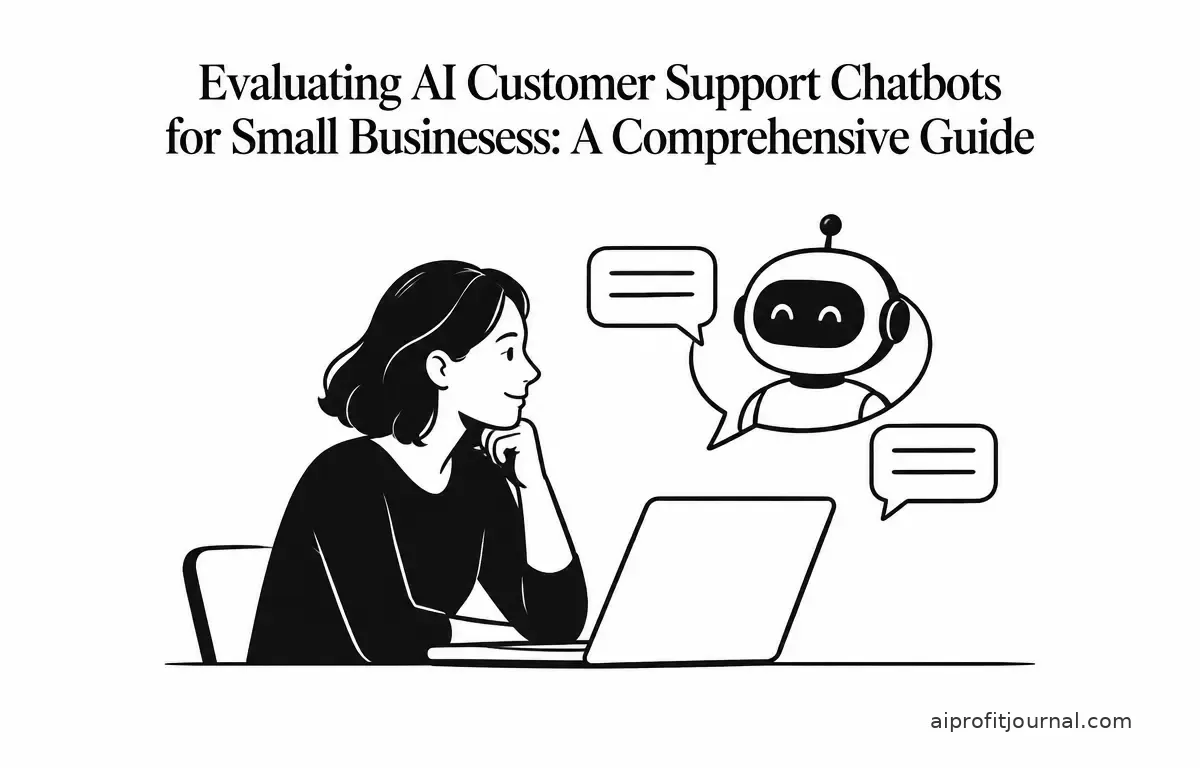
In today’s digital era, small businesses are increasingly turning to AI-powered customer support chatbots to enhance customer service, streamline operations, and remain competitive. These tools can handle routine inquiries, provide instant responses, and free up human agents for more complex tasks. However, selecting the right AI chatbot requires careful consideration of various factors, including features, pricing, integration capabilities, and scalability. This guide provides an in-depth evaluation of the top AI customer support chatbots suitable for small businesses in 2026.
Understanding AI Customer Support Chatbots
AI customer support chatbots are software applications that use artificial intelligence to simulate human-like conversations with customers. They can be integrated into websites, mobile apps, and messaging platforms to provide instant assistance, answer frequently asked questions, and guide users through processes. For small businesses, these chatbots offer several advantages:
- 24/7 Availability: AI chatbots can operate around the clock, ensuring customers receive timely responses regardless of time zones.
- Cost Efficiency: By automating routine tasks, businesses can reduce the need for a large customer support team, leading to significant cost savings.
- Scalability: AI chatbots can handle a growing volume of inquiries without significant additional investment, making them ideal for businesses experiencing growth.
Top AI Customer Support Chatbots for Small Businesses in 2026
Based on current offerings and features, here are some of the leading AI customer support chatbots suitable for small businesses:
Tidio
Tidio combines live chat, email, and Messenger into a single platform, offering an AI chatbot named Lyro. Lyro can resolve up to 70% of customer questions automatically by pulling answers from existing help content. Tidio is known for its quick setup and user-friendly interface, making it ideal for small to mid-sized businesses and e-commerce stores. Pricing starts at $24.17 per month, with a free plan available for basic features. (clutch.co)
PepoChat
PepoChat offers a free plan that includes 100 AI replies per month, with human handoff available on every plan. It answers customer inquiries using your own website content and files, ensuring responses are accurate and relevant. PepoChat is suitable for small businesses that want a straightforward AI chatbot without complex setup requirements. Paid plans start at $39 per month for 1,000 AI replies. (woodbows.com)
Intercom (Fin AI Agent)
Intercom’s Fin AI Agent is designed for teams with existing helpdesk systems. It charges only for successful resolutions, making it cost-effective for businesses with fluctuating support needs. Fin integrates seamlessly with existing workflows and provides advanced analytics to monitor performance. Pricing varies based on usage and features, with seats starting at $19 per month. (clutch.co)
Zendesk Copilot
Zendesk Copilot offers autonomous AI agents with intelligent triage and intent detection. It’s suitable for mid-market to enterprise teams already using Zendesk. Copilot provides features like conversation summarization and automated workflows to enhance customer service efficiency. Pricing starts at $19 per agent per month, with an additional $50 per agent per month for the AI add-on. (clutch.co)
Freshdesk Freddy AI
Freshdesk’s Freddy AI is part of the Freshworks suite and handles ticket classification, canned response suggestions, and basic conversational automation. It’s a budget-friendly option for growing teams looking to implement AI in their support processes. Pricing starts at $29 per agent per month, with a free trial available. (clutch.co)
Key Considerations When Choosing an AI Chatbot
When selecting an AI customer support chatbot, consider the following factors:
- Integration Capabilities: Ensure the chatbot integrates seamlessly with your existing tools, such as CRM systems, e-commerce platforms, and helpdesk software. For instance, a business using Shopify may benefit from a chatbot that integrates directly with its Shopify store to streamline order-related inquiries.
- Customization Options: Look for chatbots that allow customization to match your brand’s voice and style. This includes modifying the chatbot’s tone, response style, and even the visual elements to provide a cohesive customer experience.
- Scalability: Choose a chatbot that can scale with your business, handling increased volumes of inquiries as needed. Evaluate their pricing structure to understand how costs will scale as user inquiries grow.
- Support and Training: Assess the quality of customer support and training resources provided by the chatbot vendor. A business investing in a chatbot should factor in the availability of documentation, tutorials, and live support to quickly resolve issues.
- Data Security: Ensure the chatbot complies with data protection regulations and maintains high standards of security to protect customer information. Consider whether the solution offers encryption and complies with regulations like GDPR.
Implementing an AI Chatbot: A Step-by-Step Guide
Implementing an AI chatbot involves several key steps:
- Define Objectives: Clearly outline what you aim to achieve with the chatbot, such as reducing response times or handling specific types of inquiries. For example, a retail business may want the chatbot to handle order tracking questions to free up customer service agents.
- Choose the Right Chatbot: Based on your objectives and the considerations mentioned above, select a chatbot that best fits your business needs. Evaluating user reviews and conducting demos of potential chatbots can help inform this decision.
- Customize the Chatbot: Tailor the chatbot’s responses, appearance, and behavior to align with your brand and customer expectations. This may involve creating a list of common questions and drafting appropriate answers or scripting varied responses for different user intents.
- Integrate with Existing Systems: Ensure the chatbot integrates seamlessly with your current tools and platforms for a seamless workflow. Testing these integrations can prevent hiccups that may disrupt customer interactions.
- Test and Optimize: Before going live, thoroughly test the chatbot to identify and fix any issues. Use different test scenarios to evaluate its performance under various conditions. Continuously monitor its performance post-launch and make adjustments as necessary to improve its effectiveness.
Limitations and Risks of AI Chatbots
While AI chatbots offer numerous benefits, it’s important to be aware of their limitations and potential risks:
- Accuracy: AI chatbots may struggle with understanding complex or ambiguous queries, leading to incorrect responses. This could be particularly problematic in industries with complex product offerings, where nuanced questions are common.
- Privacy and Security: Handling sensitive customer data requires strict adherence to privacy regulations and robust security measures to prevent data breaches. Businesses should conduct regular audits and updates of their security protocols.
- Over-Reliance: Relying solely on AI chatbots without human oversight can result in poor customer experiences, especially for complex issues that require human intervention. Establishing a clear path for escalation to human agents can mitigate this risk.
- Cost Considerations: While AI chatbots can reduce operational costs, there may be hidden expenses related to setup, customization, and ongoing maintenance. It’s important to budget for these factors to avoid unexpected costs down the line.
- Lack of Emotional Intelligence: AI chatbots usually lack the emotional understanding that human agents naturally possess. This can be a disadvantage when dealing with sensitive issues or frustrated customers. Planning for situations requiring empathy and understanding can improve customer satisfaction.
Measuring Success: Verifying Chatbot Performance
Once an AI chatbot is implemented, measuring its success is crucial. Here are some key metrics to track:
- Response Time: Monitor the average time it takes for the chatbot to respond. A decrease in response time generally leads to higher customer satisfaction.
- Resolution Rate: Track the percentage of inquiries the chatbot successfully resolves without human intervention. Aim for a high resolution rate to confirm value and efficiency.
- Customer Satisfaction Scores: Use surveys and feedback tools to gauge customer satisfaction after interactions with the chatbot. This qualitative feedback will help identify areas for improvement.
- Engagement Metrics: Analyze metrics like interaction length and user drop-off rates to gain insights into how well the chatbot engages customers. Continuous iterations based on this feedback are essential for optimizing performance.
- Return on Investment (ROI): Calculate the ROI of the chatbot by comparing the cost savings generated by reduced labor and improved efficiency against the total cost of ownership. This assessment should help you validate the chatbot’s value to your business in tangible terms.