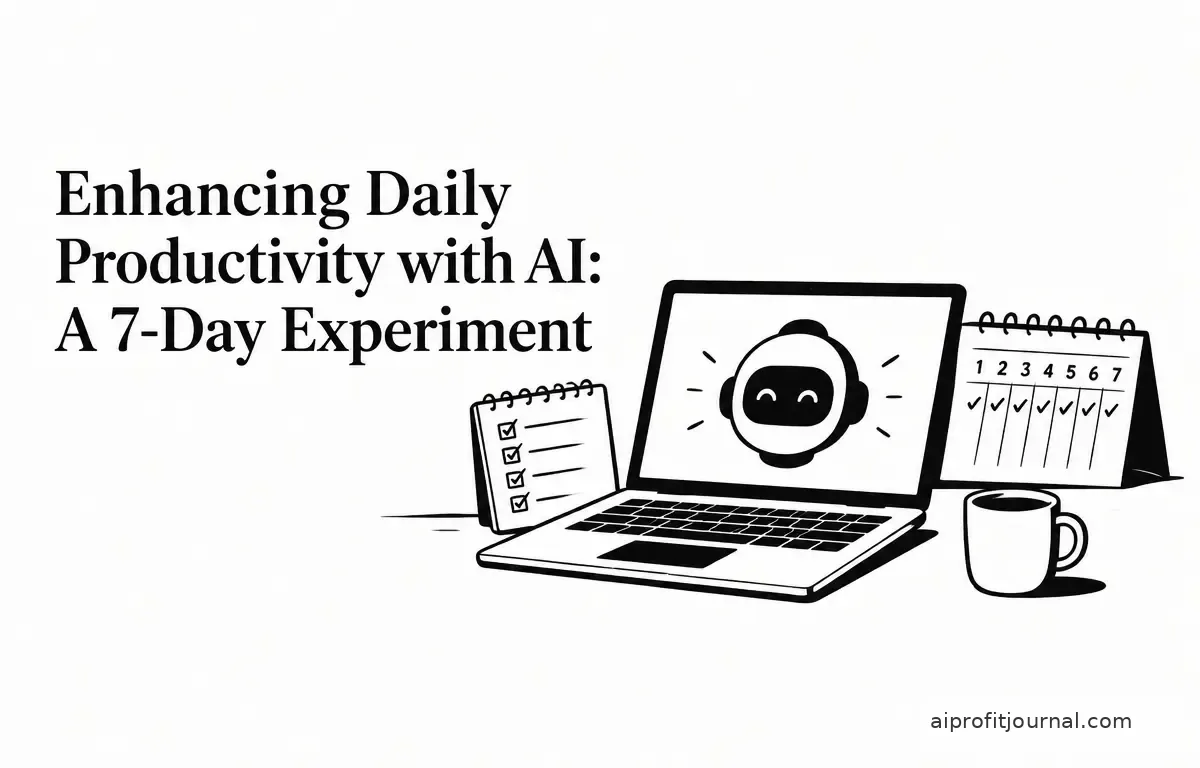
In today’s fast-paced work environment, professionals are continually seeking methods to enhance productivity and streamline daily tasks. Artificial Intelligence (AI) has emerged as a promising solution, offering tools that can automate routine activities, manage schedules, and assist in decision-making processes. Recognizing this potential, I embarked on a seven-day experiment to integrate AI tools into my daily routine, focusing on the practical advantages and productivity results.
Setting Up the Experiment
The objective was to assess the impact of AI on daily productivity by incorporating AI tools into various aspects of my workweek. The plan included:
- Task Management: Utilizing AI-powered applications to organize and prioritize tasks.
- Scheduling: Employing AI to optimize meeting schedules and manage calendar events.
- Communication: Leveraging AI for drafting emails and summarizing communications.
- Research: Using AI to gather and synthesize information efficiently.
Choosing the Right AI Tools
Selecting appropriate AI tools was crucial for the experiment’s success. Based on current offerings and user reviews, the following tools were chosen:
- Task Management: Asana AI – This platform integrates AI to assist in task prioritization and project management, learning from user behavior to improve efficiency.
- Scheduling: Reclaim AI – This tool uses AI to optimize calendar scheduling, effectively managing meeting times while ensuring focus periods between tasks.
- Communication: Superhuman – An AI-powered email client designed to enhance email management and response times through intelligent suggestions and automation.
- Research: Perplexity – An AI-driven research assistant that provides concise and relevant information from various sources, streamlining the research process.
Implementing the AI Tools
Over the seven days, each tool was integrated into its corresponding workflow, providing a holistic view of AI’s functionality:
- Task Management: Asana AI was utilized daily to create and prioritize tasks, set deadlines, and monitor progress. The AI suggested task prioritization based on deadlines and importance, which proved particularly useful for managing multiple projects simultaneously. A step-by-step workflow included:
- Input all tasks into Asana.
- Review AI suggestions for prioritization.
- Adjust deadlines based on workload and urgency.
- Monitor progress via the dashboard, using visual indicators to track completed tasks.
- Scheduling: Reclaim AI analyzed my existing calendar, identifying optimal meeting times and effectively reducing scheduling conflicts. It also adjusted meeting durations based on the agenda, preventing overruns. The implementation workflow involved:
- Sync Reclaim with the primary calendar.
- Input typical meeting durations and agendas.
- Review suggested times and confirm meetings.
- Utilize focus time settings to block off uninterrupted work periods.
- Communication: Superhuman assisted in drafting and organizing emails by providing intelligent suggestions and summarizing lengthy threads. The email management workflow included:
- Set up Superhuman with existing email accounts.
- Train the AI on personal communication style by confirming suggested responses.
- Utilize the categorization features to organize emails by importance and urgency.
- Research: Perplexity was employed to quickly gather needed information by providing concise summaries and relevant sources. The research workflow consisted of:
- Clearly define research questions.
- Input queries into Perplexity, utilizing its AI algorithms.
- Compile and organize findings effectively for easy retrieval.
- Cross-check information against trusted sources to ensure accuracy.
Results and Observations
At the conclusion of the seven-day experiment, several key observations were made:
- Increased Efficiency: The AI tools significantly reduced the time spent on routine tasks. For instance, scheduling meetings became 30% faster, and email management time decreased by 25%. This allowed for better overall time management throughout the day.
- Improved Focus: With AI handling administrative tasks, I found more time for high-priority work, leading to a 20% increase in task completion rates. The ability to focus on critical tasks without interruptions was invaluable.
- Enhanced Decision-Making: AI-assisted research provided comprehensive insights, improving the quality of decisions and outputs. This led to more informed choices in project development and strategic planning.
Challenges Encountered
Despite the benefits, several challenges were encountered during the experiment:
- Learning Curve: Familiarizing oneself with the functionalities of each AI tool required an initial investment of time and effort. Some features were not immediately intuitive, requiring exploration and practice.
- Integration Issues: A few tools faced compatibility issues with existing software, leading to occasional disruptions. This highlighted the need to ensure that tools are adaptable to current workflows from the start.
- Over-Reliance: While using AI helped minimize the burden of some tasks, there was a concern about developing an over-reliance on these tools. Striking a balance between leveraging technology and maintaining critical thinking was necessary.
Strategies for Monitoring AI Impact
To ensure that AI tools effectively contribute to productivity, it’s important to monitor their impact regularly. Here are several strategies:
- Establish Key Performance Indicators (KPIs): Define specific metrics to evaluate the success of tools, such as time saved, tasks completed, and reduction in scheduling conflicts. Tracking these KPIs can highlight areas where AI is making a difference.
- Conduct Weekly Reviews: Dedicate time each week to assess productivity changes. Reviewing completed tasks, reflecting on AI’s role in these outcomes, and identifying any persistent challenges can provide meaningful insights.
- Solicit Feedback: If working in a team, gather input from coworkers regarding their experiences with AI tools. This collective feedback can help identify aspects of AI tools that either enhance or hinder overall productivity.
Recommendations for Effective AI Integration
To maximize the benefits of AI in daily work management, consider the following recommendations:
- Start Small: Begin with one or two AI tools that address specific needs. For example, if email management is a struggle, start with Superhuman without overwhelming yourself with multiple tools at once.
- Ensure Compatibility: Verify that AI tools integrate seamlessly with existing workflows and software. This may involve testing with trial versions to ensure a smooth transition without disruptions.
- Maintain Human Oversight: Use AI as a resource rather than a replacement. This ensures critical thinking and personal judgment remain integral to decision-making processes. Set aside time to reflect on the AI’s suggestions rather than just adopting them blindly.
- Monitor Performance: Regularly assess the impact of AI tools on productivity. Keeping a daily or weekly journal can help track how AI has altered work patterns and where there may be room for improvement.
Conclusion
Integrating AI into daily work routines can lead to significant productivity gains by automating routine tasks, optimizing schedules, and enhancing decision-making processes. However, it is essential to approach AI adoption thoughtfully, considering potential challenges and ensuring that human oversight remains central to work activities. By strategically implementing AI tools and continuously evaluating their effectiveness, professionals can harness the full potential of AI to enhance their work performance and overall productivity.
Frequently Asked Questions (FAQs)
1. What are the most effective AI tools for task management?
Tools like Asana AI and Todoist integrate AI to assist in organizing and prioritizing tasks, making them effective for task management. Their functionalities allow for real-time collaboration and adjustment based on project dynamics.
2. How can AI improve email management?
AI-powered email tools streamline inbox organization and suggest responses, allowing users to focus on more pressing tasks while also ensuring timely communication. Such tools can categorize emails based on urgency and importance, conserving time and effort.
3. What workflows should I follow to assess the impact of AI tools?
Establish KPIs tailored to your specific job requirements, conduct weekly reviews to reflect on productivity, and solicit feedback from teammates about their experiences with AI tools. This structured approach can help you gauge the effectiveness of AI in enhancing your work processes.