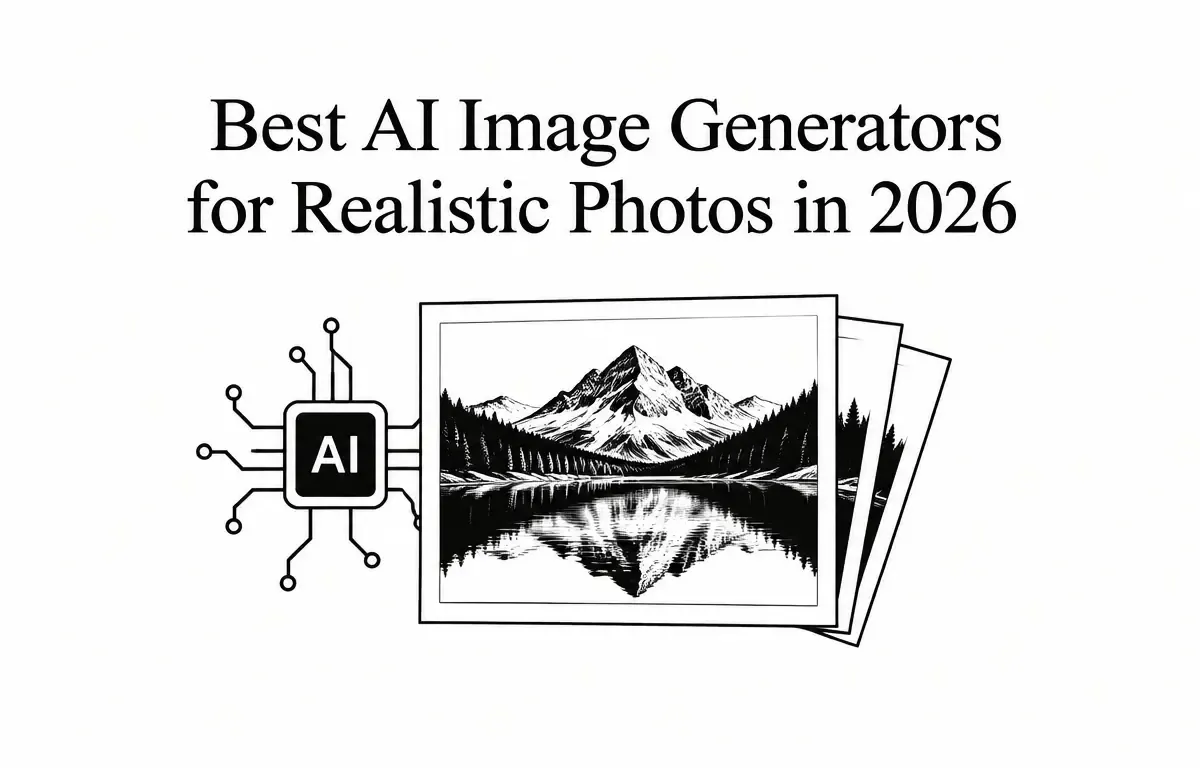
Artificial intelligence has revolutionized the realm of image generation, enabling the creation of highly realistic photos from textual descriptions. As of 2026, several AI image generators stand out for their capability to produce lifelike images. This article explores the top AI image generators for realistic photos, highlighting their features, pricing, and practical applications.
Understanding AI Image Generators
AI image generators utilize advanced machine learning models to create images based on textual prompts. These tools have evolved significantly, offering users the ability to generate images that closely mimic real-world photographs. The key to achieving photorealism lies in the sophistication of the underlying model and the specificity of the prompts used.
At the core of these generators is a technology known as Generative Adversarial Networks (GANs) or diffusion models. These technologies function through two neural networks: one generates images while the other evaluates them. This dynamic allows the systems to learn over time and produce increasingly realistic images. Therefore, understanding how to craft detailed and clear prompts is crucial for users aiming to achieve the best results.
Top AI Image Generators for Realistic Photos in 2026
1. ChatGPT Images 2.5
Overview: OpenAI’s ChatGPT Images 2.5 leads the field with its exceptional photorealistic image generation capabilities. It excels in understanding detailed prompts and producing images that closely match user descriptions.
Features:
- Prompt Accuracy: Generates images that closely align with detailed textual descriptions, ensuring users get exactly what they envision.
- Realistic Text Rendering: Effectively incorporates legible and accurate text within images, a feature useful for designing graphics or advertising materials.
- Conversational Editing: Allows iterative refinement of images through conversational prompts, making it easy to adjust specific aspects of the generated content based on user feedback.
Pricing: Free tier available; paid plans start at $20/month for ChatGPT Plus, offering enhanced image generation capabilities.
2. Midjourney V8.2
Overview: Midjourney V8.2 is renowned for its cinematic and editorial photo generation, producing images with a distinctive artistic flair.
Features:
- Cinematic Quality: Delivers images with a strong sense of light, mood, and composition, ideal for movie posters, storyboards, and other visual narratives.
- Creative Control: Offers users the ability to guide outputs with precision, allowing for highly tailored customization which is essential for artistic projects.
- Community Engagement: Operates through a Discord-based interface, fostering a collaborative environment where users can share ideas and receive feedback.
Pricing: Subscription plans start at $10/month, with higher tiers offering additional features and faster generation speeds.
3. Google Gemini (Nano Banana 2.1)
Overview: Google’s Gemini, utilizing the Nano Banana 2.1 model, provides strong realism and prompt adherence, making it a competitive choice for realistic image generation.
Features:
- Prompt Adherence: Generates images that closely follow user prompts, ensuring accuracy and reliability in the final output, crucial for professional and business contexts.
- Realistic Output: Produces images with natural lighting and textures, closely resembling real photographs, which is beneficial for industries like real estate, e-commerce, and advertising.
- Conversational Editing: Allows users to refine images through conversational prompts, enhancing usability and flexibility.
Pricing: Free tier available; paid plans start at $4.99/month for AI Plus, offering enhanced features and faster generation speeds.
4. Adobe Firefly
Overview: Adobe Firefly is designed specifically for creative workflows, offering image generation, editing, and access to multiple AI models in one platform.
Features:
- Integrated Workflow: Combines image generation with traditional editing tools, streamlining the creative process and providing a more efficient user experience for designers.
- Commercial Safety: Trained on licensed content, making it suitable for commercial use without the risk of copyright infringement.
- Professional Integration: Seamlessly integrates with Adobe’s suite of creative tools, enhancing productivity and allowing for a smooth workflow for graphic designers and marketers.
Pricing: Subscription-based pricing; specific plans and pricing details available on Adobe’s official website.
5. FLUX 3
Overview: FLUX 3 is recognized for its exceptional skin texture rendering and open-model control, making it a favorite among professionals seeking high-quality, realistic images.
Features:
- Skin Texture Rendering: Produces images with natural skin textures, enhancing realism, which is especially important for beauty and fashion industries.
- Open-Model Control: Offers users the ability to control and customize the underlying model for tailored outputs, allowing for specificity in the artistic direction.
- Rapid Generation: Provides quick image generation, facilitating efficient workflows, especially when dealing with large-scale projects or tight deadlines.
Pricing: API-based pricing; specific rates available on Black Forest Labs’ official website.
Choosing the Right AI Image Generator
Selecting the appropriate AI image generator depends on your specific needs and workflow. Here are some criteria to consider:
- For Detailed Prompt Accuracy: If your work requires high fidelity to description, ChatGPT Images 2.5 excels in generating images that closely match detailed textual descriptions.
- For Cinematic and Editorial Styles: If you need images with an artistic flair, Midjourney V8.2 offers a distinctive style suitable for various creative projects.
- For Realistic Output with Prompt Adherence: Google Gemini (Nano Banana 2.1) is ideal for scenarios requiring high realism and accurate adherence to user prompts.
- For Integrated Creative Workflows: If you are already in the Adobe ecosystem, Adobe Firefly is the best choice, thanks to its seamless integration and commercial safety features.
- For Specialized Skin Texture Rendering: If your focus is on character design or fashion imagery, FLUX 3’s superior skin rendering makes it the go-to tool.
Practical Steps to Utilize AI Image Generators
To effectively use AI image generators, follow these practical steps:
- Define Your Requirements: Determine what type of images you need (e.g., product photography, artistic illustrations) and the level of realism required.
- Select a Generator: Choose one of the above-mentioned AI image generators based on your defined needs, budget, and any preferred integrations.
- Craft Your Prompt: Write a detailed and specific prompt that includes the subject, style, lighting, and any elements you want in the image. Utilize adjectives and terms that evoke strong visual cues to improve the results. The more specific, the better the result.
- Generate the Image: Use the chosen platform to generate your images. If limitations are faced, consider refining your prompt based on initial outputs, adjusting focus or specificity as needed.
- Iterate and Refine: Use any available iterative or conversational editing features to adjust the image until it meets your expectations. Don’t hesitate to rework your prompt or use more visual reference terms to guide the generator.
- Verify Quality: Analyze the generated images for quality. Check for realism, adherence to prompts, and any inconsistencies in detail, lighting, or texture. Remember to compare generated images against your intended vision.
- Utilize Responsibly: Ensure you have the rights to use and distribute any generated images, especially if your work is commercial in nature. Review any terms of service or usage rights associated with the AI tools you use.
Future Trends in AI Image Generation
As AI image generation technology continues to evolve, several trends are emerging that will shape its future. One key trend is the increasing user customization options, allowing for more personal and nuanced image generation. The utilization of AI in collaborative art projects, where multiple users can contribute prompts and ideas, is also gaining traction.
Moreover, advancements in training models on diverse datasets will improve the capability of these generators to produce culturally and contextually relevant imagery. This will be particularly beneficial in industries such as marketing and advertising, where cultural resonance is critical for effective communication.
Conclusion
As the demand for realistic images continues to grow across industries, so does the functionality and accessibility of AI image generators. In 2026, tools such as ChatGPT Images 2.5, Midjourney V8.2, Google Gemini, Adobe Firefly, and FLUX 3 stand out for their capabilities to produce highly realistic visuals tailored to various applications. By understanding their features, pricing, and practical workflows, users can choose the right tool for their specific needs. Additionally, keeping an eye on emerging trends will ensure you stay at the forefront of this rapidly evolving field, ultimately enhancing both your creative and professional projects.