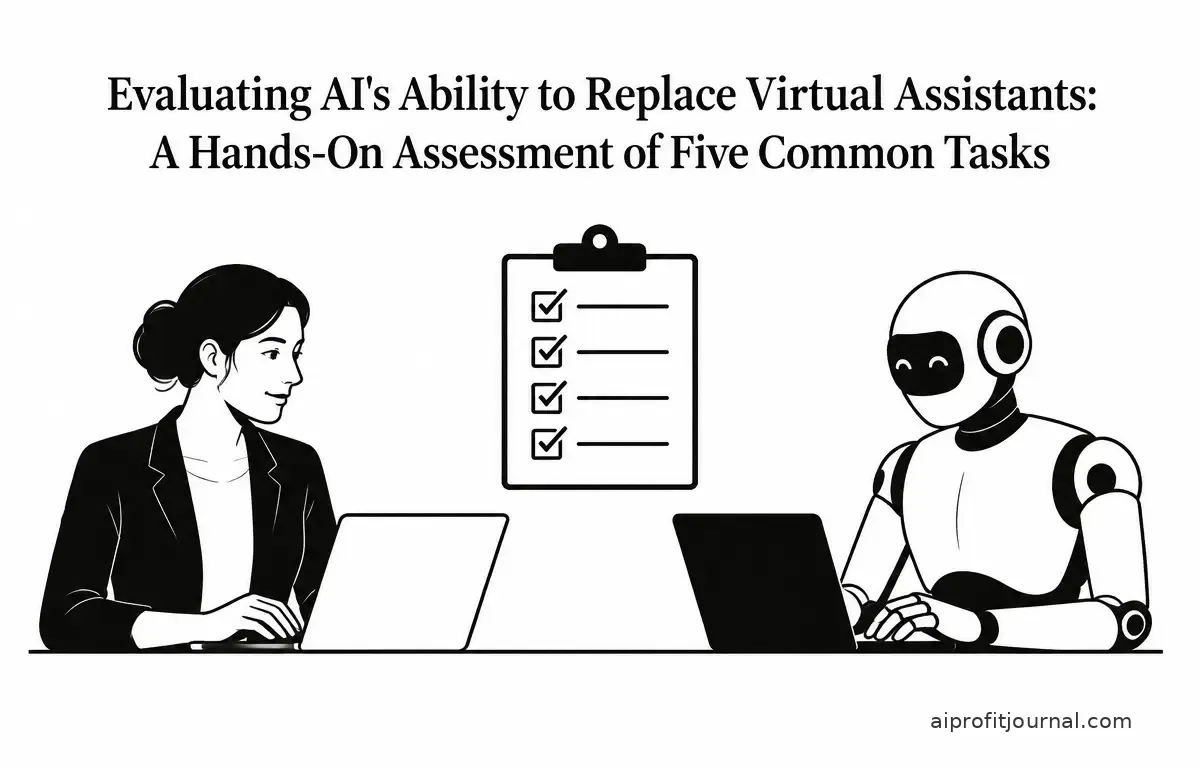
Artificial intelligence (AI) has made significant strides in automating various tasks traditionally handled by human virtual assistants. To assess whether AI can effectively replace human virtual assistants, I conducted a hands-on evaluation of five common tasks: scheduling meetings, drafting emails, managing customer inquiries, organizing files, and conducting research. This article presents the findings, highlighting where AI excels and where human intervention remains indispensable.
1. Scheduling Meetings
AI-powered tools like Microsoft’s Copilot Actions have introduced features that allow users to schedule meetings using natural language commands. For example, a user can instruct the AI to “schedule a meeting with the marketing team next Tuesday at 10 AM,” and the AI will automatically check calendars and send out invites. This ability to understand and process natural language commands streamlines the administrative workload and enhances productivity. windowscentral.com
However, while AI can handle straightforward scheduling tasks, it may struggle with complex scenarios, such as coordinating between multiple time zones or managing last-minute changes. For instance, if a user needs to reschedule a meeting due to a sudden conflict, AI may not fully grasp the nuances of the situation—like the importance of specific stakeholders or particular constraints unique to different time zones. In these cases, human virtual assistants can provide the nuanced understanding and flexibility required to accommodate all parties involved.
Practical Workflow Example: When using AI for scheduling, consider a step-by-step approach:
- Identify the participants and their respective time zones.
- Verify the need for the meeting and its priority level.
- Use a scheduling AI tool to propose initial times based on availability.
- Share the final selected meeting time with participants and confirm attendance.
This process can save time but should be monitored for its effectiveness in handling complex scenarios and accommodating all stakeholders.
2. Drafting Emails
AI tools have become proficient at drafting emails based on brief prompts. They can generate coherent and contextually relevant messages, saving time for users. With programs capable of forming full sentences and paragraphs in response to minimal input, users find it increasingly easy to communicate quickly. techradar.com
Despite this capability, AI-generated emails may lack the personalized touch and emotional intelligence that human assistants can provide. For example, an AI might overlook specific salutations or informal tones that are appropriate for a given context, leading to potential misunderstandings. Thus, while AI can assist in drafting emails, human oversight is essential to ensure appropriateness and accuracy. Furthermore, the subtleties of language, such as humor or empathy, are often lost in AI-generated messages.
Steps for Effective Email Drafting with AI:
- Input the key points you want to include in the email.
- Review the AI-generated draft for tone, content, and context.
- Adjust the draft as necessary to align with the recipient’s expectations and the overall purpose of the communication.
- Send the email after conducting final checks for grammar, relevance, and tone appropriateness.
3. Managing Customer Inquiries
AI chatbots are increasingly used to handle customer inquiries, providing instant responses and operating 24/7. They can efficiently manage routine questions, such as checking account balances or updating contact information, and direct more complex issues to human agents. By integrating chatbots into customer service, businesses can often resolve a high volume of queries quickly and efficiently (microsoft.com).
However, AI chatbots often struggle with understanding context, sarcasm, or complex queries, leading to potential customer frustration. In scenarios where a customer expresses dissatisfaction or confusion, AI may fail to capture the emotional nuance, resulting in a response that feels robotic or dismissive. Human virtual assistants excel in these areas, offering empathy and nuanced understanding that AI currently cannot replicate.
Decision Criteria for Chatbot Use:
- Identify the types of inquiries that can be effectively automated (e.g., FAQs, simple support requests).
- Evaluate customer needs to determine when human intervention is critical, especially for escalated or sensitive issues.
- Monitor chatbot performance to improve response accuracy and adapt to customer feedback over time.
4. Organizing Files
AI can automate the organization of digital files by categorizing documents based on predefined criteria. For instance, AI can sort receipts and invoices into appropriate folders, potentially streamlining administrative tasks and making information retrieval simpler (microsoft.com). With capabilities to tag and label files automatically, the burden on human resources is significantly lessened.
Nonetheless, AI may misclassify documents or fail to recognize the importance of certain files, leading to organizational inefficiencies. For example, an AI might categorize an important contract as a general document, thereby making it hard to locate later. Human assistants can apply judgment and context to ensure that files are organized in a manner that aligns with the user’s specific needs and priorities.
Steps to Implement AI for File Organization:
- Define the folder structure and naming conventions that are relevant to your work and reflect your workflow.
- Set up the AI tool to categorize documents based on your defined criteria.
- Regularly review the organization system and adjust the AI’s settings to improve its accuracy and effectiveness.
- Periodically audit files to ensure AI accuracy and make necessary adjustments based on evolving business needs.
5. Conducting Research
AI tools can quickly gather and summarize information from various sources, providing users with concise overviews on a wide range of topics. This capability enables users to gain quick insights, making it easier to stay informed and make essential decisions (techradar.com). For example, AI can summarize lengthy articles or pull key data points from reports within seconds.
Despite this efficiency, AI-generated summaries may lack depth or omit critical details. Additionally, AI may not always assess the credibility of sources, potentially leading to the dissemination of inaccurate information. For instance, an AI tool might summarize data from a dubious or unverified source, resulting in misguided conclusions. Human virtual assistants can critically evaluate sources and provide more comprehensive and reliable research findings, ensuring that information is both accurate and relevant.
A Practical Approach to Using AI for Research:
- Define your research question clearly to guide the AI tool effectively.
- Utilize AI to gather preliminary data and summaries from trusted sources, capturing a wide range of perspectives.
- Cross-reference the information gathered with reputable resources to ensure accuracy and credibility.
- Summarize findings manually to ensure a comprehensive understanding of the topic and clarify any nuances important for decision-making.
Conclusion
AI has demonstrated the ability to perform certain tasks traditionally managed by human virtual assistants, offering efficiency and convenience. However, for tasks requiring emotional intelligence, nuanced understanding, and complex decision-making, human intervention remains crucial. The ideal approach may involve a collaborative model where AI handles routine tasks, while human virtual assistants can focus on areas that demand a personal touch and critical thinking. This hybrid model can lead to enhanced productivity and improved outcomes in both personal and professional contexts.
Related Articles
- Building an AI-Powered Website in 24 Hours: A Comprehensive Guide
- I Tested AI Agents for 7 Days: Can They Actually Run a Business?
- Best AI Voice Generators for Natural-Sounding Narration in 2026
- Harnessing AI to Clean, Analyze, and Visualize Spreadsheet Data
Frequently Asked Questions
Can AI fully replace human virtual assistants?
While AI can automate many tasks, it currently lacks the emotional intelligence and nuanced understanding that human virtual assistants provide. Therefore, a complete replacement is unlikely in the near future.
What tasks can AI perform better than human virtual assistants?
AI excels in handling repetitive and time-consuming tasks, such as scheduling meetings, organizing files, and managing routine customer inquiries, thereby offering efficiency and speed. However, the effectiveness depends on the task complexity.
Are there privacy concerns when using AI for virtual assistant tasks?
Yes, AI systems often require access to sensitive personal information, raising concerns about data privacy and security. It’s essential to ensure that AI tools comply with privacy regulations and that users are aware of how their data is used (axios.com).
How can businesses integrate AI with human virtual assistants effectively?
Businesses can integrate AI by assigning routine tasks to AI systems while reserving complex and sensitive tasks for human virtual assistants. This hybrid approach leverages the strengths of both AI and human capabilities while mitigating the risks associated with AI’s limitations.
What are the limitations of AI in virtual assistant roles?
AI limitations include difficulties in understanding context, handling complex or ambiguous requests, and lacking emotional intelligence. These constraints make AI less suitable for tasks requiring nuanced judgment and personal interaction (anydb.com).