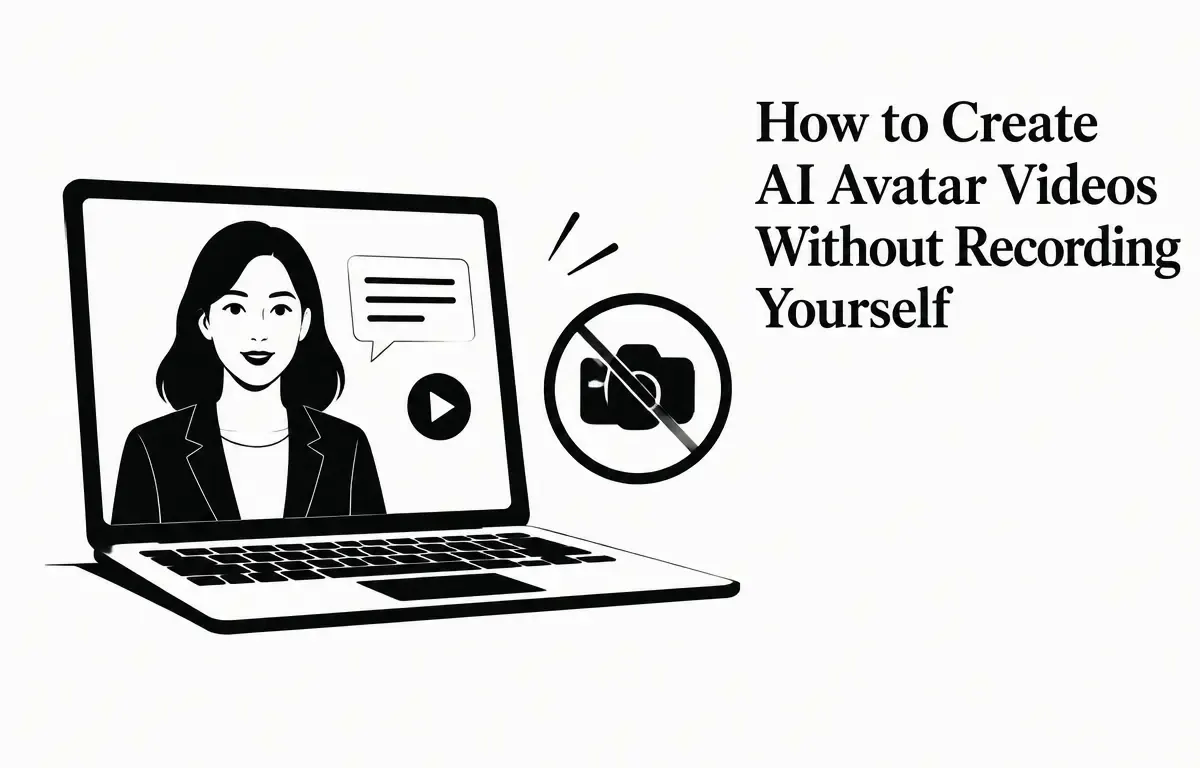
Creating engaging videos without appearing on camera is now possible through AI avatar technology. These digital personas can deliver your message with lifelike expressions and a voice, all without the need for personal recordings. This guide explores how to create AI avatar videos without recording yourself, highlighting top tools, practical steps, and best practices.
Understanding AI Avatar Videos
AI avatar videos feature a digital representation of a person—an avatar—that can speak, gesture, and present content based on a script. These avatars are generated using artificial intelligence, which eliminates the need for live recording. They’re widely used in marketing, training, explainer videos, online courses, and social media content. As digital communication continues to evolve, leveraging AI avatars can provide a fresh and engaging way to connect with your audience.
For instance, a company might use an AI avatar to create customer service videos, showcasing how to use a product without needing to appear on camera. This not only saves time but also minimizes production costs, allowing for high-quality content generation with ease.
Top Tools for Creating AI Avatar Videos
Several platforms offer user-friendly interfaces to create AI avatar videos without recording yourself. Here are some notable options:
- Kapwing’s AI Avatar Maker: This platform allows users to design custom avatars or choose from a library of over 50 stock characters. Users can input a script, and the platform generates a lip-synced video in minutes. (kapwing.com)
- MotionVox: Offers a vast collection of over 1,000 avatars and voices. Users can input a script, select an avatar and voice, and generate a video with natural speech and expressions. (motionvox.com)
- Synthesys: Provides hundreds of broadcast-quality stock avatars and voices available in over 140 languages. Users can create studio-quality videos in minutes without any filming. (synthesys.io)
- HeyGen: Enables users to create a digital twin by uploading a short video or photo. The platform then generates an avatar that can speak any text inputted by the user. (heygen.com)
- Descript: This tool allows users to create avatar videos by selecting or training an AI avatar and driving it from a script, revising without needing further recordings. (descript.com)
Step-by-Step Guide to Creating AI Avatar Videos
Follow these steps to create your own AI avatar video:
- Choose a Platform: Select one of the platforms mentioned above based on your specific needs and preferences. For example, if you require multilingual support, Synthesys might be ideal.
- Create or Select an Avatar: Design a custom avatar or choose from the platform’s library. Some platforms, like HeyGen, allow you to upload a photo or video to create a personalized avatar that closely resembles you or your brand.
- Input Your Script: Write a clear and concise script for your avatar to deliver. Aim for simplicity and focus on your main messages to maintain viewer engagement. For example, if you’re explaining how to use a feature of a product, limit your script to a few key points.
- Select Voice and Language: Choose a voice that matches the tone and style of your content. Many platforms offer various options, including different accents and genders. For example, a professional tutorial might benefit from a formal voice, while a social media post could use a more casual tone.
- Generate the Video: Utilize the platform’s tools to generate your video. Review the output and check for synchronization between the avatar’s lip movements and the audio. At this stage, it’s crucial to assess whether the avatar’s performance aligns with the intended emotion or style of your message.
- Edit and Enhance: After generating your video, consider adding background music, subtitles, or other elements to enhance the overall quality. Many platforms also provide simple video editing features, allowing you to refine your content further. For example, you might want to insert appealing graphics or brand elements to boost visual interest.
- Export and Share: Once satisfied with the final product, export the video in your desired format. Ensure your video is optimized for resolution and aspect ratio based on the platform where it will be shared, whether that’s YouTube, Instagram, or your personal website.
Best Practices for Effective AI Avatar Videos
To create compelling AI avatar videos, consider the following best practices:
- Maintain Consistency: Utilizing the same avatar and voice across all videos helps build brand recognition. Consistency aids in establishing a cohesive visual identity and strengthens your overall messaging.
- Keep Scripts Concise: Short and engaging scripts are far more effective in retaining viewer attention. Aim to get to the point quickly and avoid unnecessary jargon, which may confuse the audience.
- Use High-Quality Visuals: Ensure your avatar and any additional visuals are of high quality. This not only enhances professionalism but also keeps the audience engaged. Use high-resolution images or animations if available, and make sure the lighting is appropriate in any backgrounds or scenes.
- Optimize for Platforms: Tailor your videos to match the specifications of the platforms where they will be shared. Each platform may have different requirements, such as length or content style; understanding these can significantly affect your video’s performance.
- Test and Iterate: Regularly test your videos with your audience and adjust based on their feedback. This iterative process helps you improve and meet audience expectations more effectively. Use analytics tools to track viewer engagement and identify what resonates most.
Limitations and Considerations
While AI avatar videos offer numerous advantages, it is crucial to be aware of their limitations:
- Authenticity: Overusing AI avatars can lead to content that feels impersonal or inauthentic. It’s essential to balance AI-generated content with authentic human interactions. Audience members often appreciate the personal touch of human storytelling or insights.
- Technical Issues: Depending on the platform, you may encounter issues with lip-syncing, voice modulation, or avatar movements. Regularly check your video preview for any discrepancies. If you notice issues, consider tweaking your script or avatar features to improve performance.
- Cost: Some platforms may require subscriptions or credits, which can add up over time. Evaluate your budget and consider free trials to assess the best tool for your needs. Moreover, keep an eye out for promotional offers that can help reduce costs.
- Privacy Concerns: Uploading personal photos or videos to create avatars may raise privacy issues, especially if you’re dealing with sensitive information. Always be cautious about what data you share, and review the platform’s privacy policies to understand how your information may be used.
Conclusion
Creating AI avatar videos without recording yourself is a powerful way to produce engaging content efficiently. By selecting the right platform, following a structured creation process, and adhering to best practices, you can leverage this technology to enhance your content strategy. Always be mindful of the limitations and considerations to ensure your videos resonate with your audience.
Frequently Asked Questions (FAQs)
1. Do I need any special equipment to create AI avatar videos?
No, most platforms only require a computer or smartphone with internet access. Some may require a photo or short video to create a personalized avatar. (heygen.com)
2. Are AI avatar videos suitable for all types of content?
AI avatar videos are versatile and can be used for various content types, including tutorials, product demos, promotional material, and even storytelling. However, always consider the context and audience of your video content to determine how best to integrate AI avatars.
3. How do I ensure my avatar is engaging?
Creating an engaging avatar involves not just its appearance but also the way it delivers content. Choose a relatable voice and ensure the avatar’s facial expressions match the tone of your script. Practice different scripts to see which ones resonate best with your audience. Additionally, try incorporating storytelling techniques to enhance engagement.
Related Articles
- AI Video Generators Compared: Which Tools Offer the Best Free Plans?
- Integrating Claude AI into Your Creative Workflow: A Step-by-Step Guide
- Enhancing Small Business Productivity with Claude AI: Practical Tools and Features
- Enhancing Software Development with Claude AI: Practical Applications and Benefits