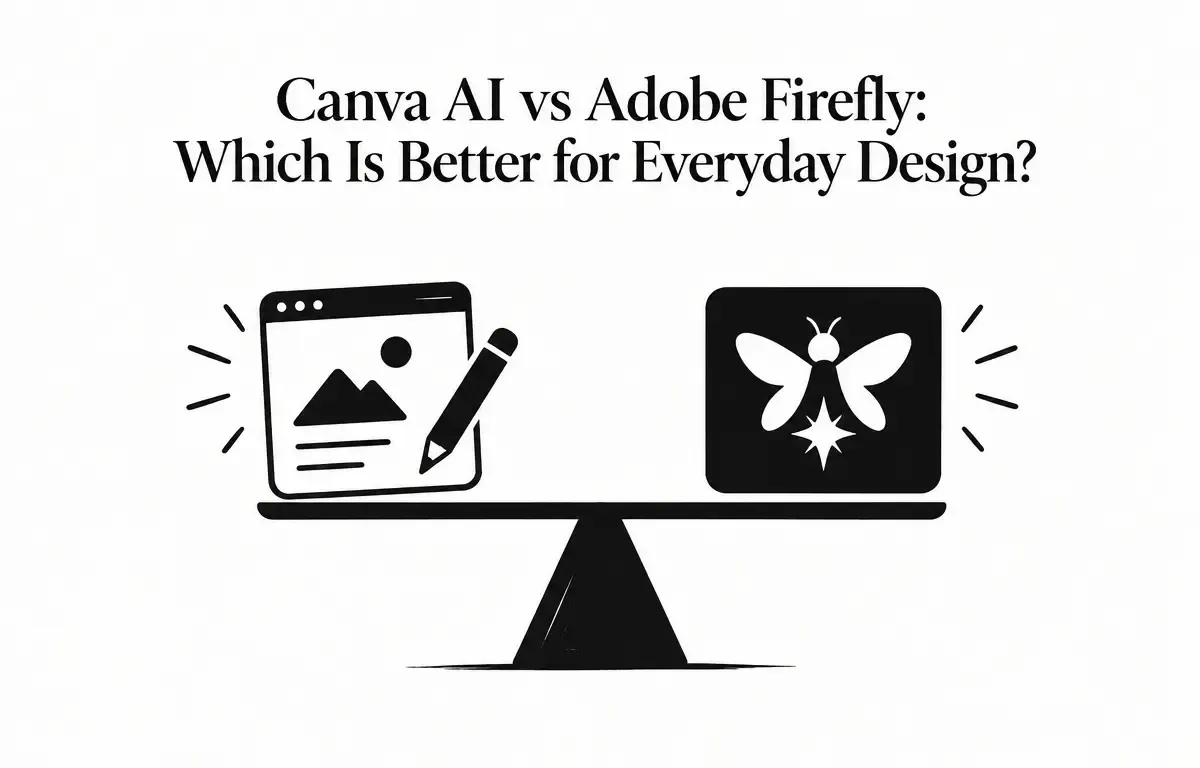
In the evolving landscape of digital design, AI-powered tools have become indispensable for both professionals and enthusiasts. Two prominent platforms in this arena are Canva AI and Adobe Firefly. While both leverage artificial intelligence to enhance the design process, they cater to different user needs and workflows. This article delves into a comparative analysis of Canva AI and Adobe Firefly, highlighting their features, strengths, and considerations to help you make an informed choice for your everyday design projects.
Understanding Canva AI and Adobe Firefly
Canva AI is an integrated suite of AI features within the Canva platform, designed to streamline the design process for users of all skill levels. Key components include:
- Magic Media: Generates images and videos from text prompts, simplifying content creation.
- Magic Design: Offers auto-generated layout suggestions based on prompts or uploaded photos.
- Magic Write: Provides AI-driven copywriting assistance, enhancing the text across designs.
- Magic Eraser and Background Remover: Facilitates quick image editing tasks, ideal for users without advanced skills.
- Magic Expand: Allows users to extend images beyond their original borders effectively.
Adobe Firefly, on the other hand, is Adobe’s suite of generative AI models integrated into applications like Photoshop and Illustrator. It focuses on:
- Generative Fill and Expand: Enables users to add or replace content in images and extend them seamlessly.
- Text to Vector: Converts text prompts into vector graphics within Illustrator, excellent for scalable designs.
- Firefly Video Model: Generates video content from text descriptions, broadening creative potential.
Comparative Analysis
1. User Interface and Accessibility
Canva AI is renowned for its user-friendly, drag-and-drop interface, making it accessible to beginners and non-designers. Users can easily navigate through various tools without feeling overwhelmed. The AI features are seamlessly integrated into the platform, allowing users to generate and edit content without leaving the application. For instance, a user looking to create a social media graphic can simply type in a prompt, and the AI suggests an appropriate layout and design elements—all within a few minutes.
In contrast, Adobe Firefly is embedded within Adobe’s Creative Cloud suite, which includes applications like Photoshop and Illustrator. Although it offers powerful AI capabilities, the learning curve can be steeper for those unfamiliar with Adobe’s ecosystem. For example, a user might need to understand layers and advanced tools in Photoshop to fully benefit from Firefly’s Generative Fill feature. Hence, while it is ideal for experienced users, new users might find it initially challenging.
2. AI Capabilities and Features
Canva AI provides a comprehensive suite of tools, ideal for users looking to create content quickly:
- Magic Media: This feature generates images or videos in seconds based on user-input prompts—great for marketers needing rapid content turnaround.
- Magic Design: Users can upload an image and get multiple suggested layouts that suit their needs, saving time and enhancing creativity.
- Magic Write: This tool can generate marketing copy for social media posts or ads, enhancing promotional content’s engagement.
- Magic Eraser and Background Remover: Users can effortlessly eliminate unwanted parts of an image, perfect for creating polished graphics.
- Magic Expand: By simply dragging an image, users can extend it while maintaining quality, beneficial for creating different format designs, such as banners or posters.
Adobe Firefly focuses on advanced AI features tailored for professional designers:
- Generative Fill and Expand: This allows users to meticulously add or replace sections of images. A professional designer working on a marketing campaign might find this especially useful for creating brochures where specific text or images can be dynamically adjusted.
- Text to Vector: This facilitates creating scalable graphics. A user can type “flower” and receive a vector of a flower that can be resized without losing quality—critical for logo designs.
- Firefly Video Model: This feature allows creatives to input text and receive corresponding video content, opening new avenues for video marketing and production.
3. Integration and Workflow
Canva AI offers an all-in-one design platform where users can generate, edit, and publish content within a single interface. This seamless workflow is particularly advantageous for marketers and small business owners who need to produce content quickly and efficiently. For instance, a small business might use Magic Media to create an engaging post, then adjust the layout with Magic Design—all within the same platform.
Adobe Firefly is deeply integrated into Adobe’s Creative Cloud applications, allowing users to leverage AI capabilities within their existing workflows. Designers already familiar with Photoshop can easily integrate elements generated by Firefly into their projects. For instance, a graphic designer working on an ad campaign could use the Text to Vector feature to convert a tagline into a graphic, then apply it into the overall design seamlessly using Photoshop.
4. Pricing and Accessibility
Canva AI offers a free tier with limited AI capabilities, making it accessible for users to explore its features without investment. The Pro version is priced at $14.99 per month and provides full access to all AI tools, along with additional features like brand kits and advanced collaboration options. This pricing structure provides excellent value for individuals and small teams seeking an affordable, intuitive design solution.
Adobe Firefly offers a standalone subscription at $9.99 per month, including 2,000 generative credits. However, for those intending to make the most of Firefly’s capabilities, a subscription to the full Creative Cloud suite is required, starting at $54.99 per month. This pricing may be more suitable for users already utilizing Adobe tools or who require the full suite of professional editing features.
5. Decision Criteria: What to Consider
When deciding between Canva AI and Adobe Firefly, consider the following factors:
- Your Skill Level: Beginners may find Canva AI more user-friendly, while seasoned professionals might prefer Adobe Firefly for its robust capabilities.
- Type of Projects: If your work centers around social media graphics and promotional materials, Canva AI might be better suited. For sophisticated design projects that require advanced graphics and text manipulation, Adobe Firefly could be the better choice.
- Budget Considerations: Evaluate your budget in relation to the features you require. While Canva offers an accessible free version, Adobe Firefly’s integration necessitates additional subscriptions for full functionality.
- Collaboration Needs: Canva AI is designed for quick sharing and collaboration among teams, making it ideal for small business environments, while Firefly may better serve individual professionals needing extensive flexibility.
6. Suggestions for Effective Use
To maximize your experience with either tool, here are some practical steps:
- Assess Your Needs: Before diving into either platform, clarify your design goals. Are you focusing on a quick social post, or do you need a detailed infographic? This will guide your choice.
- Take Advantage of Tutorials: Both platforms provide tutorial resources. Canva has a wealth of templates and tutorials designed for beginners, while Adobe offers professional resources for power users.
- Experiment: Spend time experimenting with various features. For example, try using Magic Design in Canva to see how it suggests layouts before manually designing your graphic. Additionally, use the Firefly Video Model to create quick video clips for social media, providing a dynamic complement to static posts.
- Keep Refining: Design is an iterative process. Use feedback from peers to refine your designs, utilizing the collaborative tools available on both platforms. You could create a shared folder for team input on Canva or get peer reviews on Adobe Cloud.
7. Real-World Examples and Scenarios
Understanding how each platform’s features can be applied in real-world scenarios can help clarify your choice. Here are two examples of potential usage:
- Social Media Marketing with Canva AI: A small marketing agency may use Magic Media to quickly generate eye-catching images from product descriptions. Using Magic Design, they can input these images into templates suitable for Facebook posts or Instagram stories without needing graphic design skills, allowing them to launch campaigns in record time.
- Brand Development with Adobe Firefly: A graphic designer creating a logo branding package might utilize Text to Vector to convert their tagline into a scalable vector graphic. They could then integrate this into various Adobe applications, applying advanced effects in Photoshop while using the company’s color palette efficiently.
In conclusion, both Canva AI and Adobe Firefly have their unique strengths tailored to different user profiles. Canva AI excels in accessibility and ease of use, ideal for novices and quick projects, while Adobe Firefly offers advanced editing capabilities for professionals. By understanding your own design needs, abilities, and budget, you can make an informed choice that best supports your everyday design projects.