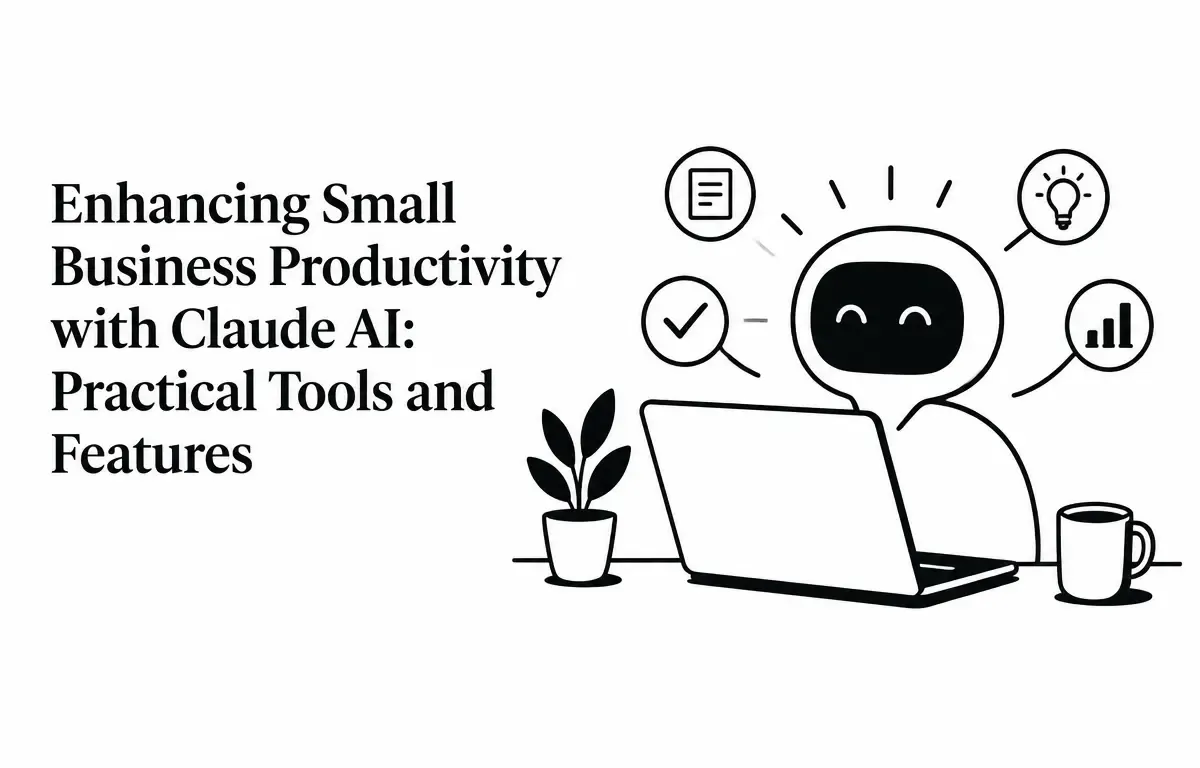
In today’s competitive landscape, small businesses are continually seeking innovative solutions to enhance productivity and streamline operations. Claude AI, developed by Anthropic, offers a suite of tools tailored to meet these needs, integrating seamlessly with platforms many small businesses already use. This article explores how small businesses can harness Claude AI’s capabilities to boost efficiency and foster growth.
Understanding Claude AI for Small Businesses
Claude AI is an advanced artificial intelligence assistant designed to integrate with various business tools, providing intelligent automation and support. Recognizing the unique challenges faced by small businesses, Anthropic introduced “Claude for Small Business,” a package that connects Claude AI to widely used platforms such as QuickBooks, PayPal, HubSpot, Canva, DocuSign, Google Workspace, and Microsoft 365. (anthropic.com)
By employing Claude AI, small businesses can ensure that tasks are completed more efficiently, allowing team members to focus on strategic initiatives rather than mundane operations. The AI’s learning ability means it can adapt over time, becoming more proficient at understanding business patterns and preferences, effectively evolving as the business grows.
Key Tools and Features of Claude AI for Small Businesses
Claude AI offers a range of features that can significantly enhance small business operations:
1. Financial Management
Managing finances efficiently is crucial for small businesses. Claude AI integrates with QuickBooks to assist with payroll planning, monthly financial closings, and cash flow management. For example, it can analyze your billing cycles to forecast when cash will be available, ensuring you have the necessary funds for upcoming expenses. Claude AI also helps prepare for tax season by organizing documents and offering reminders about important deadlines. Furthermore, it can streamline reconciliation processes by automatically matching invoices with payments, reducing labor-intensive manual checks. This level of automation can save businesses hours each month, allowing teams to reallocate their time toward strategic financial planning.
2. Sales and Marketing Automation
Claude AI connects with HubSpot and Canva to automate sales campaigns and create marketing materials. Imagine a situation where your sales team is bombarded with leads; Claude AI can prioritize these leads using data analytics, allowing the team to focus on high-potential prospects first. It can generate tailored content for various channels, automate social media posts, and even evaluate past campaigns to suggest improvements based on analytics, thus enhancing marketing efforts without additional overhead. This capability for data-driven decision-making allows for targeted marketing that resonates more effectively with potential customers, increasing overall conversion rates.
3. Document Management
With integrations to Google Workspace and Microsoft 365, Claude AI can assist in organizing and managing documents, ensuring that important files are easily accessible and well-organized. For instance, it can automatically categorize files based on predefined criteria, such as project type or client name, making it simpler to retrieve documents when needed. This feature is particularly beneficial for businesses handling numerous contracts, proposals, and other critical documents, reducing the time spent searching for relevant files. By setting up specific tags or labels for different types of documents, users can enhance their retrieval process, further saving time and minimizing frustration associated with disorganized file systems.
4. Customer Relationship Management (CRM)
By integrating with HubSpot, Claude AI can help manage customer relationships by automating lead triage, monitoring customer engagement, and attributing campaign success. It can create detailed reports that highlight customer behavior patterns, enabling businesses to adjust their sales strategies effectively. For example, if Claude detects that a certain demographic is frequently engaging with a product, it can suggest targeted marketing strategies to reach similar potential customers. This ensures that businesses respond promptly to customer inquiries, maintain strong, productive relationships, and personalize outreach efforts based on real-time data. Understanding customer preferences through analytics can help businesses tailor their offerings and improve customer satisfaction.
5. Contract Management
Claude AI’s integration with DocuSign allows for efficient contract management, including sending contracts for signature, tracking their status, and filing executed copies appropriately. Consider a scenario where multiple contracts are being negotiated simultaneously; Claude can keep track of all interactions and automatically notify the relevant parties about deadlines or required actions, minimizing the risk of missed opportunities. This streamlines the contract lifecycle, reducing manual errors and the administrative burden associated with traditional contract management. Additionally, by setting alerts for renewal dates or contract expirations, businesses can avoid lapses in service or unexpected financial burdens, ensuring a smoother contract process.
Implementing Claude AI in Your Small Business
Integrating Claude AI into your business operations involves several steps designed to ensure success:
- Assess Your Needs: Identify areas within your business that could benefit from automation and AI assistance, such as financial management, marketing, or customer service. Gather feedback from employees to identify pain points. Consider which tasks could be automated to save time and improve output.
- Choose the Right Plan: Select a Claude plan that aligns with your business size and operational requirements. For individual use, the Pro plan may suffice, while the Team plan is suitable for businesses with multiple users, boosting collaboration and communication.
- Set Up Integrations: Connect Claude AI to the tools your business already uses, such as QuickBooks, HubSpot, and Google Workspace. This seamless setup not only helps Claude operate efficiently within your existing workflows but also minimizes disruption during the transition phase. Document each integration process to aid in troubleshooting and make it easier for staff to adjust.
- Customize Workflows: Utilize the pre-built workflows provided by Claude AI for common tasks such as payroll planning or marketing campaigns. Additionally, consider creating custom workflows to meet specific business needs, which may involve identifying repetitive tasks that can be automated. Regularly review and update these workflows to match evolving business needs.
- Monitor and Optimize: Regularly review the performance of automated tasks and make adjustments as needed to ensure optimal efficiency and effectiveness. Use analytics tools integrated with Claude AI to assess your workflow efficiency and identify any gaps for further improvement. Setting KPIs for productivity can help gauge the success of your AI integration over time.
Practical Example: Automating Invoice Management
One of the common challenges for small businesses is managing overdue invoices. Claude AI can automate this process by:
- Identifying Overdue Invoices: Claude scans your accounting system to detect invoices that have surpassed their due dates, generating a list for further action.
- Prioritizing Clients: It assesses the payment history of clients to prioritize follow-ups with those who have a history of late payments, thereby maximizing your collection efforts.
- Sending Reminders: Claude drafts and sends personalized reminder emails to clients, prompting them to settle their outstanding balances. This helps maintain a professional relationship while emphasizing timely communication.
- Tracking Responses: It monitors responses and updates the status of each invoice accordingly, allowing you to have real-time insights into which invoices have been settled and which remain outstanding.
This automation ensures timely payments, improves cash flow, and reduces the manual effort involved in chasing overdue invoices. By maintaining a consistent follow-up strategy, businesses can improve their accounts receivable turnover, understanding that timely follow-ups substantially enhance the chances of payment.
Limitations and Considerations
While Claude AI offers numerous benefits, it’s essential to be aware of certain limitations:
- Data Security: Ensure that sensitive business data is protected when integrating with third-party tools. Conduct thorough audits to verify that integrated software meets your security standards. Have a data backup plan in place to prevent data loss.
- Customization Constraints: Some workflows may require customization to fit specific business needs, which could involve additional time, resources, or even costs if you require external assistance to develop these integrations. Evaluate if such customizations will provide a significant ROI for your business.
- Cost Implications: While the Claude for Small Business package is free, associated costs may arise from the Claude subscription and any premium features of integrated tools. Consider your budget when planning your investment in AI tools. Additionally, be prepared for potential scalability costs as your business grows.
Conclusion
Integrating Claude AI into your small business framework can unlock new levels of productivity and efficiency. By automating mundane tasks, small businesses can focus on strategic initiatives, foster growth, and adapt to changing market conditions. As the business landscape evolves, leveraging tools like Claude AI may become essential for staying competitive and meeting the needs of an ever-demanding customer base.