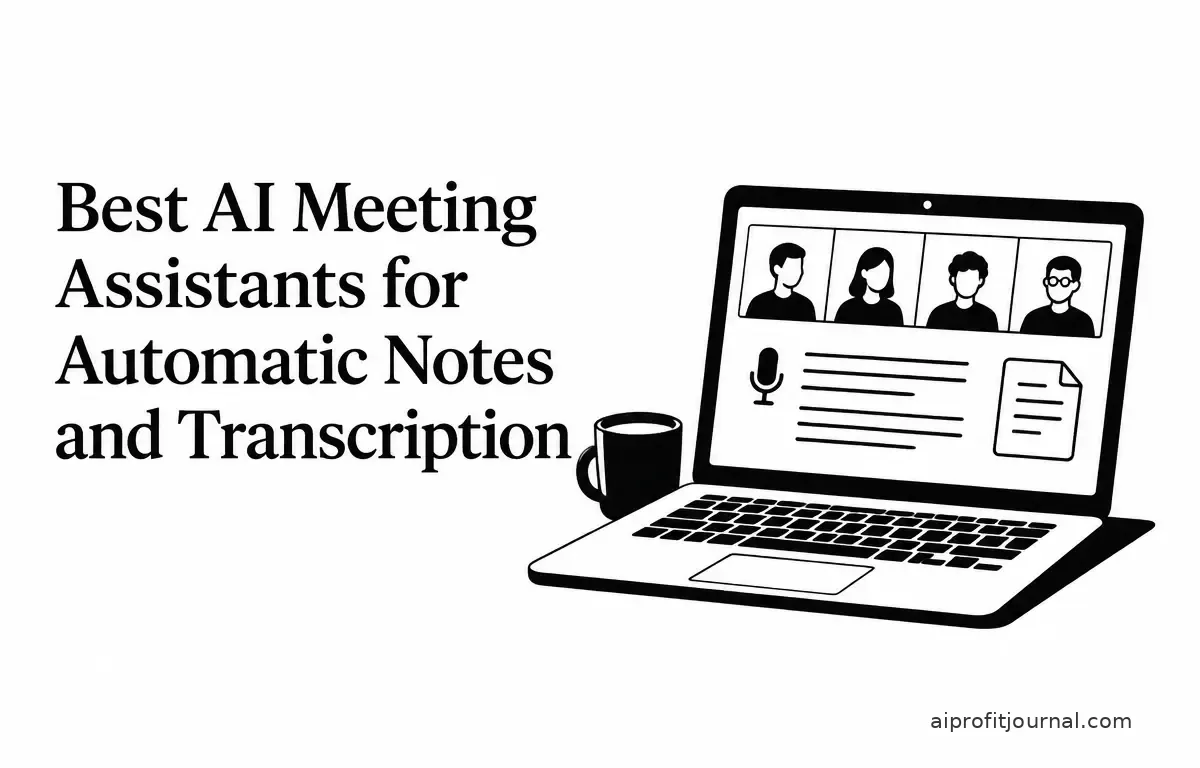
In today’s fast-paced business environment, efficient meeting management is crucial. AI-powered meeting assistants have emerged as valuable tools, automating note-taking and transcription to enhance productivity. This article explores the top AI meeting assistants available in 2026, highlighting their features, benefits, and considerations to help you choose the best fit for your needs.
Understanding AI Meeting Assistants
AI meeting assistants are software tools designed to record, transcribe, and summarize meetings automatically. They integrate with various video conferencing platforms, providing real-time transcription, speaker identification, and actionable summaries. These tools aim to reduce manual note-taking, ensuring accurate records and freeing up participants to engage more actively in discussions.
Moreover, they enable a more inclusive environment by making it easier for individuals who might struggle to keep up with note-taking during a fast-paced meeting. This can significantly enhance collaboration, as everyone can focus on the dialogue rather than worrying about writing down important points.
Key Benefits of AI Meeting Assistants
AI meeting assistants come with myriad benefits that simplify the meeting process and improve workflow:
- Increased Efficiency: By automating the transcription process, these tools save time that can be spent on other productive tasks. For instance, instead of paraphrasing discussions, team members can refer directly to the automated summaries.
- Enhanced Communication: When everyone has access to the same transcribed material, it minimizes misunderstandings. Participants can revisit conversations, leading to more informed decision-making.
- Actionable Insights: Many AI assistants highlight key decisions and action items, which can be beneficial during follow-ups, ensuring accountability among team members.
- Accessibility: These tools often include features for those with hearing impairments or non-native speakers, making meetings more accessible to diverse teams.
Top AI Meeting Assistants for Automatic Notes and Transcription
1. Fireflies.ai
Overview: Fireflies.ai is a comprehensive AI meeting assistant that integrates with platforms like Zoom, Google Meet, and Microsoft Teams. It offers real-time transcription, AI-generated summaries, and action item tracking.
Key Features:
- Real-Time Transcription: Provides accurate transcriptions with speaker identification, making it easy to follow who said what.
- AI Summaries: Generates concise summaries highlighting key points and decisions for quick reference.
- Action Item Tracking: Automatically assigns tasks to meeting participants, reducing follow-up time.
- Integrations: Seamlessly integrates with tools like Slack, Salesforce, and HubSpot for comprehensive workflow management.
Considerations: Some users find the bot joining meetings intrusive. The free tier has limitations, and advanced features may require a learning curve. Storage limits apply on lower tiers. (nexasphere.io)
2. Otter.ai
Overview: Otter.ai specializes in capturing live conversations in real-time, making it an ideal tool for those prioritizing transcription accuracy.
Key Features:
- Real-Time Transcription: Delivers live transcriptions with speaker identification, ensuring clarity in communication.
- AI Summaries: Provides concise summaries with key points and action items for easy review after meetings.
- Integrations: Integrates with platforms like Slack and Google Calendar, allowing easy scheduling and follow-ups.
Considerations: CRM integrations are less robust compared to competitors. Summaries may be basic, and team features require higher-tier plans. (aitoolcrux.com)
3. Fathom
Overview: Fathom stands out with its free plan offering unlimited meeting recordings, transcriptions, and summaries, making it an attractive option for individuals and small teams.
Key Features:
- Unlimited Recordings: No cap on meeting recordings in the free plan, ensuring you never miss a session.
- Instant Summaries: Provides quick, structured summaries post-meeting for easy reference.
- Integrations: Supports integrations with platforms like Zoom and Google Meet to streamline operations.
Considerations: Advanced features and team collaboration tools are available only in paid plans, which may be a limitation for larger organizations.
4. Granola
Overview: Granola captures meeting audio directly from your device without adding a bot to the call, ensuring a bot-free experience—ideal for users who prefer a more discreet solution.
Key Features:
- Bot-Free Recording: Records meetings without a visible bot participant, reducing distractions.
- Real-Time Transcription: Provides live transcriptions with speaker identification for clarity.
- Integrations: Integrates seamlessly with platforms like Zoom and Google Meet, helping maintain a smooth workflow.
Considerations: Limited to device-based recording; may not capture audio effectively if the device is disconnected or if network issues arise.
5. Read AI
Overview: Read AI distinguishes itself by focusing on meeting analytics and coaching, providing insights into engagement levels and participant contributions.
Key Features:
- Meeting Analytics: Offers valuable metrics on meeting engagement and participant contributions, helping teams assess productivity.
- Coaching Insights: Provides personalized coaching based on meeting performance, which can be useful for professional development.
- Integrations: Supports integrations with platforms like Slack and Google Calendar for enhanced teamwork.
Considerations: Primarily focuses on analytics and coaching; may lack comprehensive transcription features that some users require.
How to Choose the Right AI Meeting Assistant
Selecting the appropriate AI meeting assistant depends on your specific needs and workflow. Here are several factors to consider:
- Integration Needs: Ensure the tool integrates seamlessly with your existing platforms and tools. For example, if your team relies heavily on Salesforce, a meeting assistant with a solid integration can streamline processes.
- Feature Set: Evaluate whether the tool offers necessary features, such as real-time transcription, AI summaries, and action item tracking that align with your meeting structure. Consider running a mock meeting using trials to assess functionality.
- Privacy and Security: As meetings often involve sensitive information, assess the tool’s compliance with privacy regulations and data security standards. Look for tools that offer end-to-end encryption and clear data usage policies, especially if your organization deals with GDPR or HIPAA regulations.
- Budget Constraints: Consider the cost of the tool relative to your budget, especially if opting for premium features. Some assistants offer free plans, while others may require subscriptions that could come with hidden fees. Always read the fine print on subscription models.
- User Experience: The ease of use can greatly affect team adoption rates. If team members find the interface clunky, even the most feature-rich tool could lead to frustration. Set up trials to gauge user experience while paying attention to user feedback about functionality and features they wish they had.
Conclusion
AI meeting assistants have revolutionized the way we manage meetings, offering automated transcription and note-taking to enhance productivity. Tools like Fireflies.ai, Otter.ai, Fathom, Granola, and Read AI each offer unique features catering to different needs. By carefully evaluating your requirements and considering the factors outlined above, you can select the AI meeting assistant that best aligns with your objectives and workflow.
Related Articles
- How to Use AI to Turn Long Videos into Short Clips
- Can AI Coding Tools Build a Website? A Practical Test for Beginners
- Evaluating the ROI of AI Investments: A Guide for Small Business Owners
- Building an AI Agent to Organize Emails and Extract Tasks
FAQs
1. Are AI meeting assistants compatible with all video conferencing platforms?
Most AI meeting assistants support popular platforms like Zoom, Google Meet, and Microsoft Teams. However, compatibility may vary, so it’s essential to verify support for your specific platform before committing to a tool.
2. Can AI meeting assistants help in improving meeting productivity?
Yes, by providing accurate transcriptions and actionable summaries, AI meeting assistants can help teams focus on discussions rather than note-taking, enhancing overall productivity and engagement.
3. What should I do if the transcription provided is inaccurate?
In cases of inaccurate transcription, most AI meeting assistants allow you to edit the transcriptions or provide feedback to improve accuracy over time. Regularly reviewing the output can also help ensure your team is aligned on the meeting outcomes.