Building a website traditionally required a solid understanding of coding languages and design principles. However, with the advent of AI coding tools, even beginners can now create functional websites with minimal technical knowledge. This article explores how AI coding tools can assist in website development, provides practical examples, discusses limitations, and offers recommendations for beginners as they navigate their first website-building experience, ensuring that they not only build a website but also understand the technology behind it.
Understanding AI Coding Tools for Website Development
AI coding tools are software applications that leverage artificial intelligence to assist in writing, testing, and deploying code. In the context of website development, these tools can generate code snippets, suggest improvements, and even build entire websites based on user inputs, often in mere seconds. By simplifying the development process, they make web creation more accessible to individuals without extensive coding experience. Understanding how these tools function and the types of tasks they can handle is crucial for effectively harnessing their potential.
Why Use AI Coding Tools for Website Development?
AI coding tools not only reduce the barriers to entry for beginners but also enhance productivity for seasoned developers by automating routine tasks. Here are some compelling reasons to consider these tools:
- Efficiency: AI tools can generate code snippets quickly, allowing users to focus on higher-level design and functionality. For instance, instead of writing boilerplate code for a form, you can simply ask the AI to generate it.
- Learning Opportunities: Beginners can learn coding principles by examining the AI-generated code, gaining insights into best practices and effective structures. Reviewing the generated code fosters a deeper understanding of syntax and organization.
- Idea Exploration: These tools can suggest various design options, providing users with a creative starting point they might not have considered. This can inspire unique layouts or features that enhance user experience.
- Time Savings: Automated suggestions can significantly decrease the time spent troubleshooting, allowing users to quickly address errors or bugs that may not be immediately apparent.
Practical Test: Building a Simple Website Using an AI Coding Tool
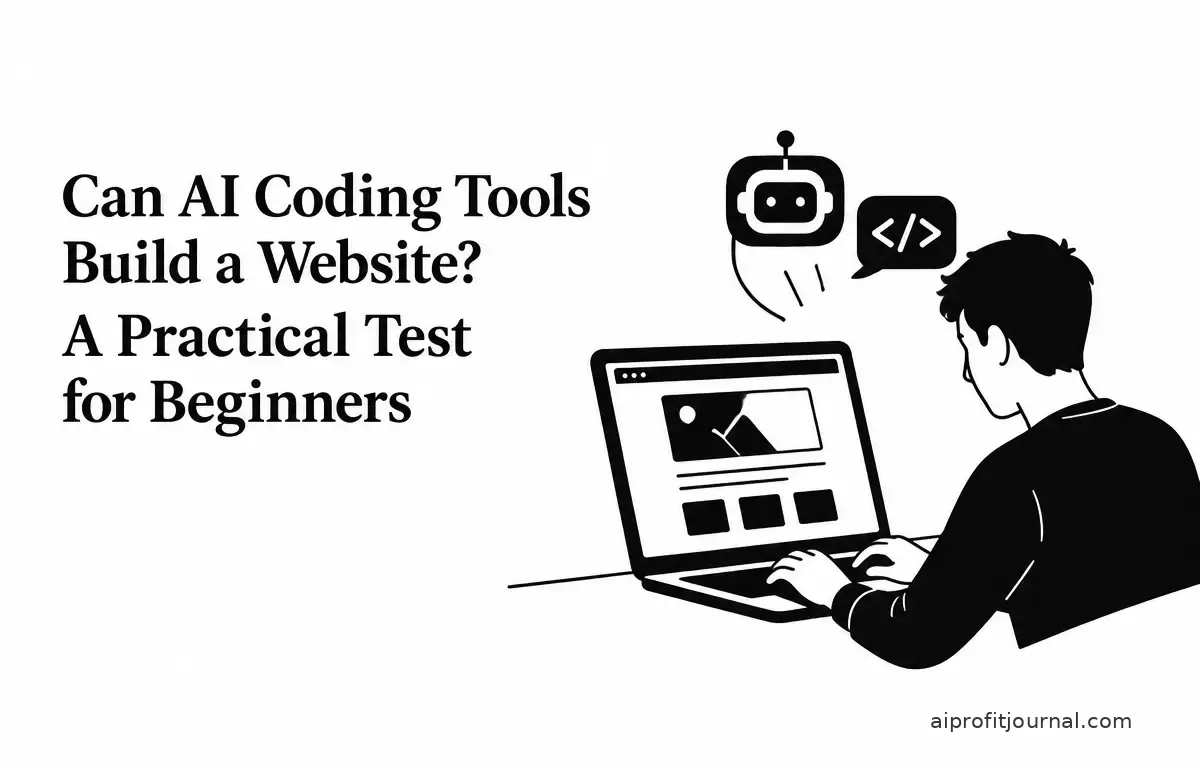
To demonstrate the capabilities of AI coding tools, let’s walk through the process of building a simple personal portfolio website using one such tool. We’ll employ an AI coding assistant that generates HTML and CSS code based on user prompts.
Step 1: Define the Website’s Purpose and Content
Begin by outlining the purpose of your website and the content you wish to include. For a personal portfolio, consider including sections such as:
- Home: An introduction to yourself.
- About Me: A brief biography or personal story showcasing your journey.
- Projects: Showcase your skills and work samples, complete with links to live demos.
- Contact: Provide ways for visitors to reach you, potentially including a form.
Step 2: Input Prompts into the AI Coding Tool
Using the AI coding tool, input prompts that describe the desired structure and content of your website. For instance:
“Create a personal portfolio website with the following sections: Home, About Me, Projects, and Contact. Include a navigation bar at the top and a footer at the bottom. The color scheme should be blue and white, with a modern, minimalist design.”
Think about including additional features, like a blog section to share insights or an image gallery to showcase visual work. This can prompt the AI to provide more tailored components, enhancing the overall quality of your site.
Step 3: Review and Customize the Generated Code
The AI tool will generate HTML and CSS code based on your prompts. Review the code to ensure it meets your expectations. While the AI-generated code provides a solid foundation, you may need to make adjustments for personal preferences or to add advanced features, such as:
- Interactivity: Elements like sliders, buttons, or galleries might require manual coding, especially if you want them to be dynamic.
- Styling Tweaks: You may want to refine spacing, fonts, or colors to better match your vision; tools like Google Fonts can help you find complementary styles.
- Content Updates: Ensure the text and images represent who you are and what you do accurately; remember to compress images for better performance.
Step 4: Test the Website
After customization, testing the website in various browsers and devices is paramount to ensure responsiveness and functionality. Check for:
- Cross-browser compatibility: Ensure it looks and works properly on all major browsers like Chrome, Firefox, and Edge.
- Mobile responsiveness: Use tools like Google Mobile-Friendly Test to check how your site displays on smartphones and tablets.
- Performance: Optimize images and scripts to improve load times; tools like GTmetrix can analyze and suggest improvements.
This step is crucial to identify and fix any issues before launching the site, as user experience directly impacts engagement and retention.
Limitations and Considerations
While AI coding tools offer significant assistance, they come with several limitations:
- Design Limitations: AI-generated designs may lack the creativity and uniqueness that a human designer can provide. Customization options might be limited, necessitating manual adjustments to achieve your desired look.
- Complex Functionality: Implementing advanced features such as interactive elements, complex animations, or third-party integrations might require manual coding or the expertise of a developer.
- SEO Optimization: AI tools may not fully optimize your website for search engines; manual adjustments to meta tags, keywords, and content structure are often necessary to improve visibility.
- Security Concerns: AI-generated code may not conform to the latest security best practices. Reviewing and updating the code is essential to ensure your website is properly secured and protected against vulnerabilities.
- Dependency Risks: Over-reliance on AI tools could inhibit your learning and growth as a web developer. It’s vital to strive for a balance between using AI assistance and developing your skills; regularly practicing with manual coding can enhance your understanding.
Recommendations for Beginners
For those new to website development, AI coding tools can be a valuable resource. Here are some recommendations to help you get started:
- Start Simple: Begin with basic projects to familiarize yourself with the tool’s capabilities and limitations. Implement small changes and observe how they affect the website.
- Learn the Basics: While AI can generate code, understanding fundamental web development concepts will enable better decision-making and more effective customizations. Resources like Mozilla Developer Network (MDN) can provide comprehensive tutorials.
- Use Reputable Tools: Choose AI coding tools with positive reviews and a confirmed track record of reliability. Some popular options include GitHub Copilot and Cursor, which offer AI-assisted coding features. (devtoolsreview.com)
- Stay Updated: The field of AI in web development is evolving rapidly. Regularly update your knowledge and tools to leverage the latest advancements and features, such as responsive design tools that simplify mobile optimization.
- Engage with Community Resources: Participate in forums, online courses, and social media groups to learn from others and share experiences. Websites like Stack Overflow can provide invaluable troubleshooting advice.
Conclusion
AI coding tools have revolutionized website development, making it more accessible, especially for beginners. While these tools provide a solid foundation, understanding their limitations and supplementing them with manual adjustments, continuous learning, and practice can lead to more personalized and functional websites. By combining AI assistance with foundational knowledge, beginners can effectively create and manage their online presence, gaining the confidence they need to tackle more complex projects in the future.
Related Articles
- Evaluating the ROI of AI Investments: A Guide for Small Business Owners
- Building an AI Agent to Organize Emails and Extract Tasks
- n8n vs Make vs Zapier: Choosing the Right Automation Platform for Your Needs
- Best AI Tools for Summarizing Long Documents and Reports
FAQs
1. Are AI coding tools suitable for building complex websites?
AI coding tools are best suited for simple to moderately complex websites. For highly complex projects, manual coding or professional developer assistance may be necessary to achieve the desired functionality and performance.
2. Do AI coding tools require any coding knowledge?
AI coding tools are designed to assist users with minimal coding knowledge. However, having a basic understanding of web development concepts can enhance the customization and optimization of the generated code.
3. Can AI coding tools help with website maintenance?
While AI coding tools can assist in generating code, they may not be equipped to handle ongoing website maintenance tasks such as updates, security patches, and content management. Regular manual maintenance is recommended to ensure optimal performance and security.
4. Are there free AI coding tools available for website development?
Yes, some AI coding tools offer free versions with limited features. For example, GitHub Copilot provides a free trial period, allowing users to explore its capabilities before committing to a subscription. (devtoolsreview.com)
5. How do I choose the right AI coding tool for my website project?
Consider factors such as the complexity of your project, the level of customization required, the learning curve of the tool, and the availability of support and resources. Reviewing user feedback and conducting trials can help you determine the best fit for your needs. Prioritize tools that align with your specific requirements and workflow preferences.